 Multiple Faces Detected



 March 13th, 2026
Most privacy advice sounds like it was written in 2015. Use a strong password. Don’t click suspicious links. Update your software.
That advice isn’t wrong. It’s just incomplete, and in 2026, incomplete is dangerous.
The threats to your privacy online have changed significantly in the last two years. AI has made phishing attacks nearly undetectable. Data brokers now have more personal information on the average American than most people have on themselves. A single photo on social media is enough for a scammer to generate a convincing deepfake. And hundreds of companies you’ve never heard of are actively selling your location, your relationships, and your daily routines to anyone willing to pay.
85% of adults worldwide say they want to take greater steps to protect their online privacy. Most don’t know where to start. This guide skips the generic checklist and focuses on the five threats doing the most damage in 2026 and exactly what to do about each one.
Before anything else, run your name through Social Catfish to see what strangers and scammers can already find about you. What comes back will tell you which of these threats you’re most exposed to right now.
Name Search Examples
To get more accurate results, enter the full name including at least First name, Middle name and Last name.
Email Search Examples
Phone Search Examples
Username Search Examples
Address Search Examples
Start typing the initial part of the address and select from the addresses given dropdown afterward.
We Respect Your Privacy.
Threat 1: Data Brokers Have Built a Profile on You Without Your Knowledge

This is the threat most people don’t know exists, and it’s the foundation that makes almost every other privacy threat worse.
Data brokers are companies that collect, aggregate, and sell personal information without your direct consent. There are hundreds of them: Spokeo, Whitepages, BeenVerified, MyLife, Intelius, and many more that operate entirely out of public view. Between them, they hold your name, address, phone number, relatives, employment history, estimated income, political affiliation, and in many cases your daily movement patterns assembled from public records, loyalty programs, app location data, and information purchased from other brokers.
This matters beyond the creepiness of it. When a scammer wants to target you personally, they don’t need to hack anything. They search your name on a broker site, pay a few dollars, and walk away with everything they need to impersonate you, answer your security questions, or craft a phishing message that sounds like it knows you intimately. Detailed personal information allows attackers to craft highly convincing, targeted messages specifically aimed at you.
What to do:
Search your own name on Google and on people-search sites like Spokeo and Whitepages. What you find is what anyone else can find. Most broker sites have an opt-out process. Locate the opt-out or “do not sell my information” link and submit a removal request. Be aware that removal isn’t permanent; brokers re-add data as new records come in, so this requires ongoing attention.
Social Catfish lets you search your name, phone number, email, or photo across public records and social profiles at once, a useful way to audit your exposure before and after you start the removal process, and to check periodically that new information hasn’t resurfaced.
Threat 2: AI-Powered Phishing Is Now Nearly Impossible to Spot by Eye
Phishing attacks used to be easy to identify. Bad grammar, generic greetings, suspicious sender addresses, a weird urgency that didn’t quite make sense. In 2026, those tells are largely gone.
AI tools can now generate personalized phishing messages that incorporate your name, your employer, your recent activity, and your relationships, all harvested from your public social media profiles and data broker records. The result is a message that reads like it’s from someone who actually knows you, referencing real details about your life. Personalized phishing attacks now succeed 43% of the time.
The attacks arrive by email, by text, by DM, and increasingly by voice. AI voice cloning tools can replicate someone’s voice from as little as three seconds of audio scraped from a social media video. A phone call that sounds like your bank, your boss, or a family member asking for something urgent is no longer a far-fetched scenario.
What to do:
The most important shift is behavioral. Stop treating the appearance of a message as evidence of its legitimacy. A message that looks real, sounds real, and knows real things about you can still be fake.
- Never click links in unsolicited messages go directly to the company’s website by typing the address yourself
- Verify unexpected requests through a separate channel before acting on them (call the number on the back of your card, not the one in the message)
- Enable two-factor authentication on every account, starting with your email
- Use an authenticator app rather than SMS for 2FA, wherever possible text-based codes can be intercepted through SIM-swapping attacks
Threat 3: Your Social Media Is a Scammer’s Research Tool
Most people think of social media privacy as protecting their posts from strangers. The real risk is more specific: every detail you share publicly is raw material for identity theft, social engineering, and targeted scams.
Cybercriminals only need fragments of your birthday, employer, hometown, or a pet’s name in a caption to answer security questions, personalize phishing attacks, and impersonate you convincingly. Researchers call this the Mosaic Effect: individually harmless pieces of information combine into a profile that can unlock accounts and enable fraud.
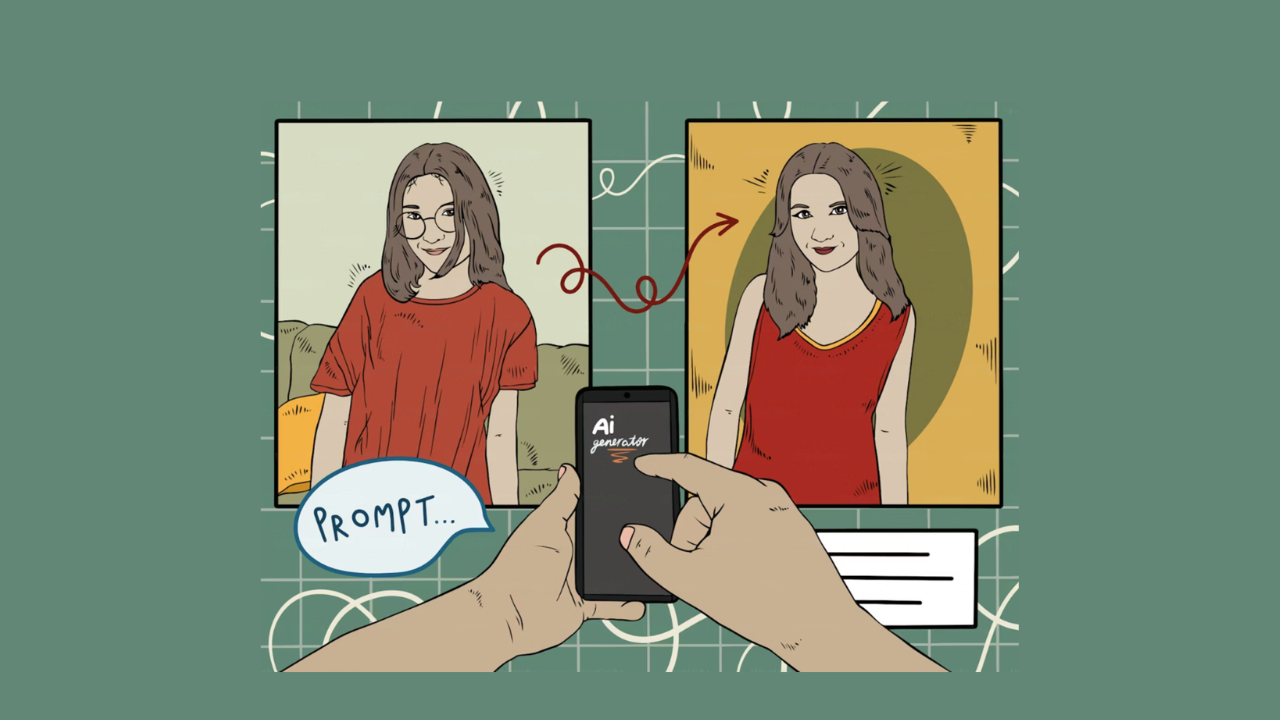
The AI dimension makes this sharper. Scammers need just three seconds of audio to clone a person’s voice, and a single image is enough to generate a convincing deepfake. The more you’ve shared publicly over the years, the more material they have to work with.
What to do:
- Set every account to private or friends-only and re-check those settings every few months, since platforms update their defaults regularly
- Remove or limit your full birthdate, phone number, employer, and home neighborhood from public profiles
- Turn off location tagging on photos and posts
- Don’t post vacation plans in real time announce trips after you’re home
- Reverse image search your own profile photo periodically to check if it’s being used elsewhere under a different name
If you want to see what your public presence looks like to a stranger or check whether someone has created fake accounts using your photos or identity, Social Catfish’s reverse image search can surface that quickly.
Threat 4: Public Wi-Fi Is Still an Open Door
This one has been on privacy lists for years, but it keeps appearing because people keep ignoring it.
Public Wi-Fi networks in coffee shops, airports, hotels, and libraries are unencrypted by default. Anyone on the same network can potentially intercept data traveling between your device and the internet, including login credentials, session tokens, and sensitive account information.
Rogue hotspots have made this worse. Fake networks set up by attackers to mimic legitimate ones are increasingly common and harder to spot. Your phone may connect automatically to a network that looks real but isn’t.
What to do:
- Use a VPN whenever you’re on a network you don’t control. A VPN encrypts your traffic and makes intercepted data unreadable. Look for a provider with a strict no-logs policy. ProtonVPN has a free tier, Mullvad, and ExpressVPN are solid paid options. Avoid free VPNs with no clear business model, as many log and sell your data
- Disable auto-connect to open networks on your phone
- Tether from your mobile data instead of public Wi-Fi when accessing anything sensitive
- Never access banking, email, or financial accounts on public Wi-Fi without a VPN running
Name Search Examples
To get more accurate results, enter the full name including at least First name, Middle name and Last name.
Email Search Examples
Phone Search Examples
Username Search Examples
Address Search Examples
Start typing the initial part of the address and select from the addresses given dropdown afterward.
We Respect Your Privacy.
Threat 5: Account Takeovers Are Getting Faster and More Automated
When a data breach exposes your email and password from one service, automated tools test that combination against hundreds of other services within hours. This is called credential stuffing, and it’s one of the most efficient attacks in a scammer’s toolkit. 80% of data breaches involve stolen, weak, or reused passwords.
The scale of exposed credentials in circulation is enormous. Billions of username and password combinations from past breaches are available on the dark web. If you reused a password from an account breached five years ago, that account and every account sharing that password are potentially at risk right now.
What to do:
- Use a password manager to generate and store unique, complex passwords for every account. Bitwarden is free and well-regarded; 1Password and Dashlane are strong paid options
- Check HaveIBeenPwned.com to see if your email has appeared in any known data breaches. Set up alerts for future ones
- Change any reused passwords immediately, starting with your email and financial accounts
- Place a credit freeze at all three major bureaus (Experian, Equifax, TransUnion) if you’re not actively applying for credit. It’s free, reversible, and prevents anyone from opening accounts in your name, even with your information in hand
FAQ
You can run a search through Social Catfish for a broader picture across public records and social profiles. Most brokers have an opt-out link; look for “do not sell my information” or “opt out” on each site.
No. A VPN protects your traffic on public networks and prevents your ISP from seeing your browsing, but it doesn’t protect you from phishing, data brokers, weak passwords, or social media oversharing. It’s one layer in a broader approach, not a complete solution.
Enable two-factor authentication on your email account. Your email controls access to virtually every other account you own. An authenticator app is more secure than SMS-based 2FA.
Visit HaveIBeenPwned.com and enter your email to see any known breach exposure. Check financial accounts for unfamiliar charges and your credit report for accounts you didn’t open. Unexpected 2FA codes you didn’t request are a red flag that someone is actively trying to get in.
Not necessarily. The highest-impact steps, 2FA, a password manager, reviewing privacy settings, and opting out of data brokers manually, are free. Paid services are most useful for automating data broker removal at scale and for ongoing credit and dark web monitoring, which is difficult to keep up with manually.
The Bottom Line
The privacy threats that matter most in 2026 aren’t new in concept; they’re new in scale and sophistication. AI has made phishing personal. Data brokers have made your information available to anyone. Social media has given scammers a research tool that didn’t exist a decade ago.
You don’t need to do everything at once. Start with what exposes you most: find out what’s already out there, lock down your most critical accounts, and cut off what you’re handing to strangers without realizing it.
The first step is knowing what you’re up against. Search your name on Social Catfish and see what the internet already knows about you. That’s where protecting your privacy online actually begins.
Name Search Examples
To get more accurate results, enter the full name including at least First name, Middle name and Last name.
Email Search Examples
Phone Search Examples
Username Search Examples
Address Search Examples
Start typing the initial part of the address and select from the addresses given dropdown afterward.
We Respect Your Privacy.