 Multiple Faces Detected



 March 12th, 2026
You posted a vacation photo. You accepted a friend request from someone you vaguely recognized. You filled out your “About Me” with your birthday, hometown, and employer because it felt normal.
None of those things felt like a risk. But to a scammer, each one was a piece of a puzzle.
Social media has quietly become one of the most fertile environments for identity theft, fraud, and targeted scams. 76% of Americans don’t trust social media companies with their personal data, and yet most people still share far more than they realize, birthdays, locations, daily routines, family members’ names, even photos that reveal more than intended.
This guide covers exactly what puts you at risk on social networking sites and the specific steps you can take in 2026 to protect yourself before something goes wrong.
Before you do anything else, run your own name through Social Catfish to see exactly what strangers can find about you online right now. You might be surprised.
Name Search Examples
To get more accurate results, enter the full name including at least First name, Middle name and Last name.
Email Search Examples
Phone Search Examples
Username Search Examples
Address Search Examples
Start typing the initial part of the address and select from the addresses given dropdown afterward.
We Respect Your Privacy.
Why Social Networking Sites Are a Target-Rich Environment for Scammers

The problem isn’t just that you share personal information on social media. It’s that you share it in ways that are designed to feel natural and harmless.
Cybersecurity experts call this the “Mosaic Effect.” Any one piece of information you share, your birthday, your employer, your dog’s name, your hometown, looks harmless in isolation. But scammers piece those fragments together into a detailed profile that can unlock security questions, personalize phishing attacks, and fuel identity fraud.
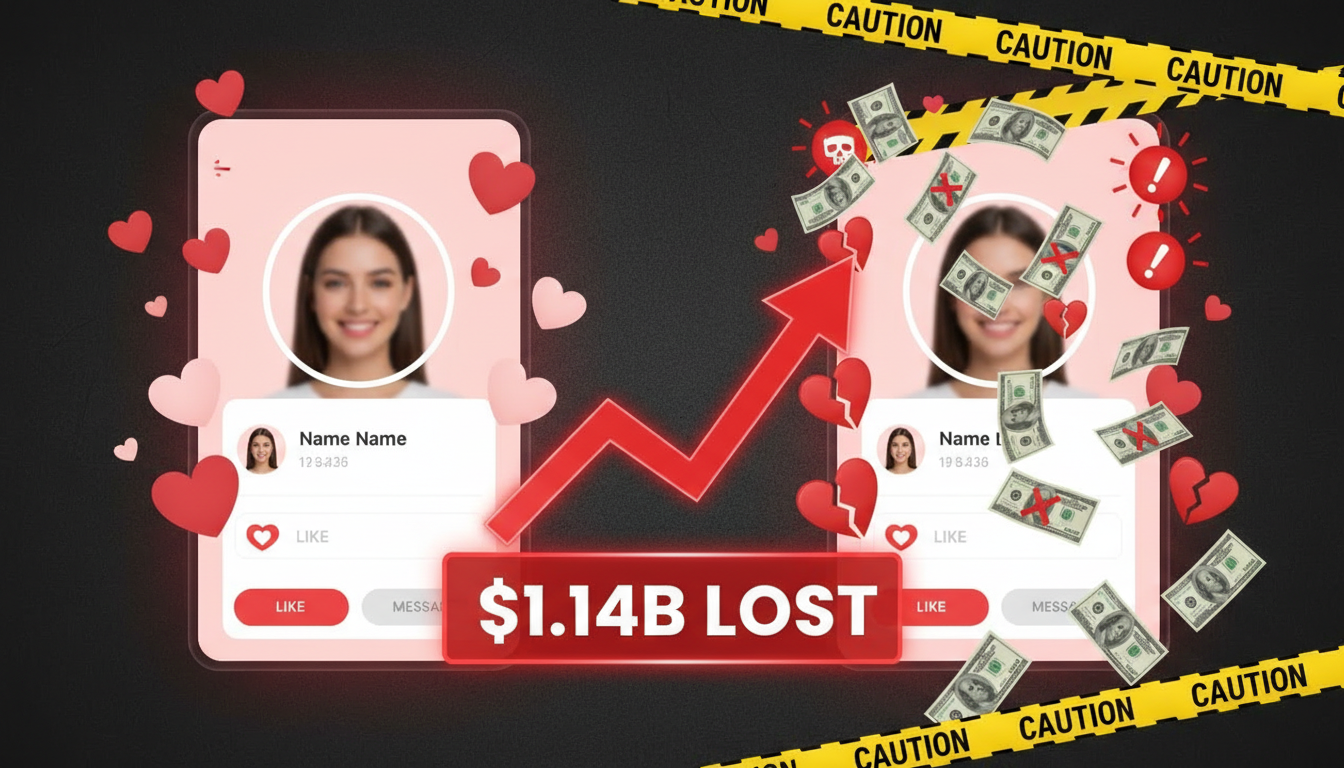
Social media users have a 30% higher chance of becoming victims of fraud than those who aren’t active on these platforms. People on Facebook, Instagram, and Snapchat face an even steeper risk, a 46% higher chance of account takeover and fraud compared to non-users.
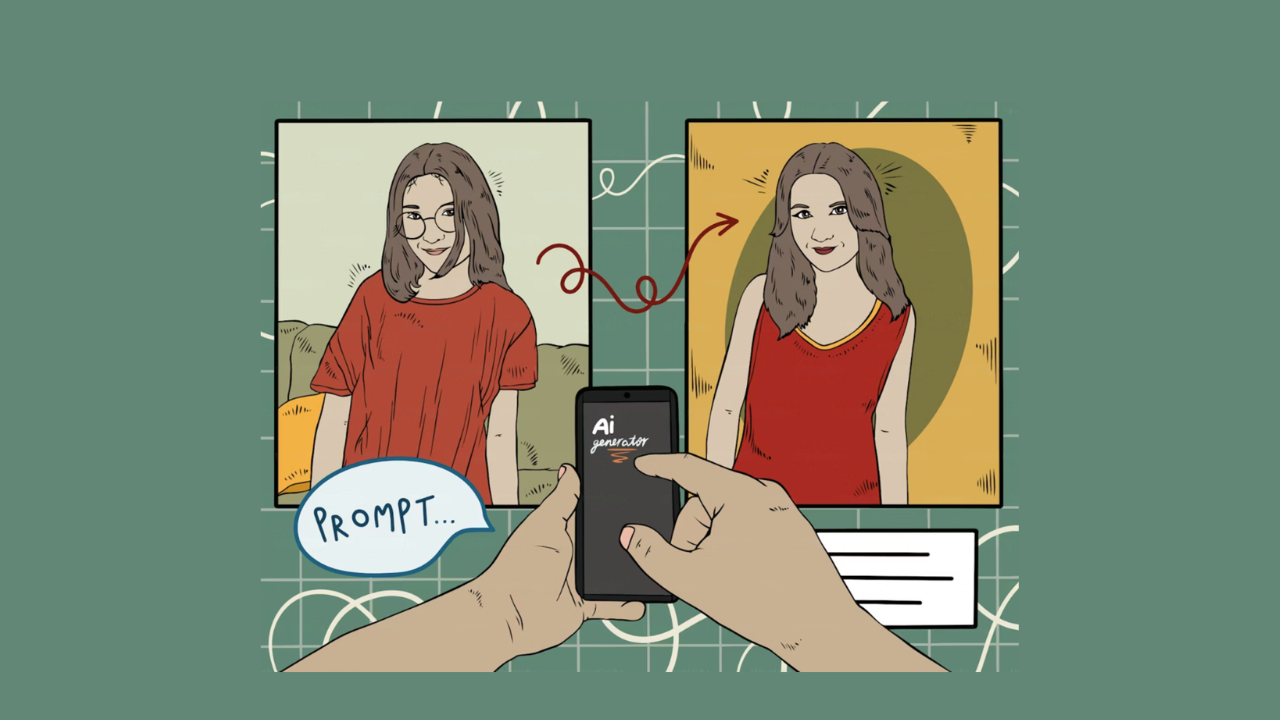
The threats have also gotten more sophisticated. In 2025, AI-powered deepfakes and voice clones allow scammers to impersonate people you trust, your boss, a family member, or even a brand you recognize, using content scraped directly from your social media posts. Scammers need just three seconds of audio to clone a person’s voice, and a single photo is enough to build a convincing deepfake.
How to Protect Yourself on Social Networking Sites
1. Search Yourself Before Strangers Do
The single most overlooked step in social media safety is understanding what your digital footprint actually looks like to someone who doesn’t know you. Before locking anything down, find out what’s already out there.
Search your name on Google. Search your phone number and email address. Look at how much of your profile is visible when you’re logged out.
Social Catfish lets you run a reverse search on your own name, photo, phone number, or email to see exactly what information is publicly linked to you, including social media accounts, public records, and other personal details that might be more visible than you think. Knowing what’s out there is the first step toward controlling it.
2. Tighten Your Privacy Settings on Every Platform
Most social media platforms default to showing more of your information than necessary. Changing your settings takes less than ten minutes and significantly reduces your exposure.
On every platform you use:
- Set your profile to private or “friends only”
- Turn off location tagging on photos and posts
- Limit who can tag you in posts and who can see those tags
- Review and restrict who can send you friend or follow requests
- Disable the option to be found by phone number or email
Note that platforms update their privacy settings frequently. Something private last year may no longer be after an app update. Set a reminder to review your settings every few months.
3. Stop Oversharing Personal Details
The most dangerous information on social media is rarely what feels dramatic. It’s the ordinary stuff, the details you share because everyone else does.
Avoid posting or displaying:
- Your full birthdate (month and year is enough for most platforms — drop the day)
- Your home address or neighborhood
- Your daily routine or commute pattern
- Your employer and job title together with other identifying information
- Vacation plans while you’re away (post after you’re home)
- Your children’s school, sports team, or regular locations
- Photos that contain visible street signs, license plates, or landmarks near your home
78% of burglars used social media to identify targets and timing in 2024. A caption that says “Two weeks in the Bahamas!” tells anyone watching that your home is empty and for how long.
4. Be Selective About Connections
Not everyone who sends a friend request is who they appear to be. Fake profiles and bots have become more sophisticated than ever, and some are specifically designed to gather your personal information or launch targeted scams.
Before accepting any connection request:
- Check how long the account has been active
- Look at whether the profile has photos that appear in multiple posts over time (or just one or two)
- See if you have genuine mutual connections who would know this person
- Reverse image search their profile photo to check if it appears elsewhere under a different name
Social Catfish’s reverse image search can tell you within seconds whether a profile photo belongs to a real person or has been lifted from somewhere else, a fast first step before accepting someone you don’t recognize.
5. Use Strong, Unique Passwords and Enable Two-Factor Authentication
Weak passwords are one of the most common entry points for account takeovers. Hackers use personal information you’ve shared publicly a pet’s name, a birthday, and a hometown, publicly, to guess passwords and security question answers.
- Use a password manager to generate and store unique passwords for each platform
- Enable two-factor authentication (2FA) on every account that offers it
- Never use the same password across multiple platforms
- Avoid using information in your passwords that you’ve shared publicly
6. Watch Out for Phishing Scams in DMs and Comments
Phishing on social media looks different from phishing in email, and it’s often harder to spot. Scammers send direct messages posing as friends, brands, or the platform itself. They also plant links in comments on popular posts to reach large audiences.
Warning signs of a social media phishing attempt:
- Urgent language (“your account will be suspended,” “you’ve been selected”)
- Links that don’t match the claimed sender’s website
- Messages asking for personal information, login credentials, or payment
- A “friend” reaching out via a new account when you’re already connected elsewhere
- Unsolicited job offers or prize notifications
Always hover over links to preview their destination before clicking, and be especially cautious with shortened URLs. When in doubt, go directly to the platform or service through your browser rather than clicking any link.
7. Skip the Quizzes and Third-Party Apps
Social media quizzes that ask about your first pet, your childhood street, or your mother’s maiden name are not innocent fun. They are frequently designed to harvest the exact answers to common security questions.
Even questions that seem unrelated, like “What time were you born?” or “What’s your star sign?” can help scammers piece together identifying information that unlocks account access or enables targeted fraud.
Treat any quiz or third-party app that requests access to your profile or asks personal questions as a potential data harvesting tool. The same applies to personality tests, compatibility tests, and most viral “share your answers” formats.
8. Audit Your App Permissions Regularly
When you connect third-party apps to your social media accounts to log in with Facebook, sign up with Google, or link a service to Instagram, you’re often granting far more data access than you realize.
Go through the connected apps in each platform’s settings and remove anything you no longer use or don’t recognize. Pay attention to what level of access each app has requested. An app that doesn’t need your friend list, location, or messages has no business having that access.
9. Monitor What’s Being Said About You Online
Identity fraud doesn’t always start with a data breach. Sometimes it starts when someone assembles your publicly available information and uses it to impersonate you, apply for credit in your name, or create a fake profile to scam your contacts.
Search your name periodically to see what comes up. If you find accounts or profiles that appear to belong to you but don’t, report them immediately to the platform and document what you find.
Social Catfish lets you search your own name or image to see if someone has created fake accounts using your identity. A check that’s worth running regularly, especially if you’ve experienced any unusual online activity.
10. Be Cautious About What You Share on Professional Platforms
LinkedIn and other professional networks carry risks that people often overlook because the environment feels more formal and trustworthy. But detailed professional profiles with your employer, role, responsibilities, and career history give scammers the intel they need to target you or your organization.
Oversharing roles, responsibilities, or organizational details on professional platforms can give attackers exactly what they need to target your company or clients.
Treat your professional profile the same way you treat your personal one: share what’s necessary, limit the audience where possible, and be skeptical of connection requests from accounts with no history or suspicious profile details.
Red Flags That Someone Is Trying to Scam You on Social Media

Keep an eye out for these specific patterns:
- A stranger contacts you out of nowhere with unusual warmth or flattery
- A new connection quickly moves to a private platform or messaging app
- Someone asks for personal details early in a conversation without a clear reason
- You receive a “too good to be true” job offer, prize, or investment opportunity
- A “friend” asks for money or gift cards via DM — especially from a new or secondary account
- A message claims your account has been compromised and asks you to verify your identity by clicking a link
If something feels off, it probably is. Trust your instincts and verify before engaging further.
FAQ
At minimum, avoid sharing your full birthdate, home address, phone number, Social Security number, and financial information. Be equally careful with security question answers, pet names, mother’s maiden name, childhood street, and with posting vacation plans before you’re home.
Search for your name and reverse image search your profile photo regularly. Tools like Social Catfish let you scan for fake accounts using your name or image across multiple platforms and public records, so you can identify and report impersonation quickly.
It’s convenient, but it comes with a trade-off. You’re granting that app access to your account data, and if either account is compromised, it can affect everything linked to it. Review which apps have access in your account settings and remove any you no longer use.
At least every three to six months. Platforms update their privacy policies and default settings regularly, and changes you didn’t opt into can expose more information than you intended. Make it a habit alongside other routine security checks.
Yes, and more easily than most people realize. Researchers call it the Mosaic Effect. Individual, harmless details like your employer, neighborhood, birthday, and pet’s name combine into a profile that can answer security questions, crack passwords, and enable highly personalized scams.
The Bottom Line
Social networking sites are designed to make sharing feel easy and natural. That’s exactly what makes them such effective tools for scammers, identity thieves, and fraudsters. The information you put online doesn’t disappear, and it doesn’t stay in one place.
The good news is that most of what puts you at risk is controllable. Tighten your privacy settings. Be selective about what you post and who you connect with. Skip the quizzes. Use strong, unique passwords. And periodically check what strangers can actually find about you.
Start there: run your name through Social Catfish to see what your public digital footprint looks like right now. What you find might change how you use social media going forward.
Name Search Examples
To get more accurate results, enter the full name including at least First name, Middle name and Last name.
Email Search Examples
Phone Search Examples
Username Search Examples
Address Search Examples
Start typing the initial part of the address and select from the addresses given dropdown afterward.
We Respect Your Privacy.